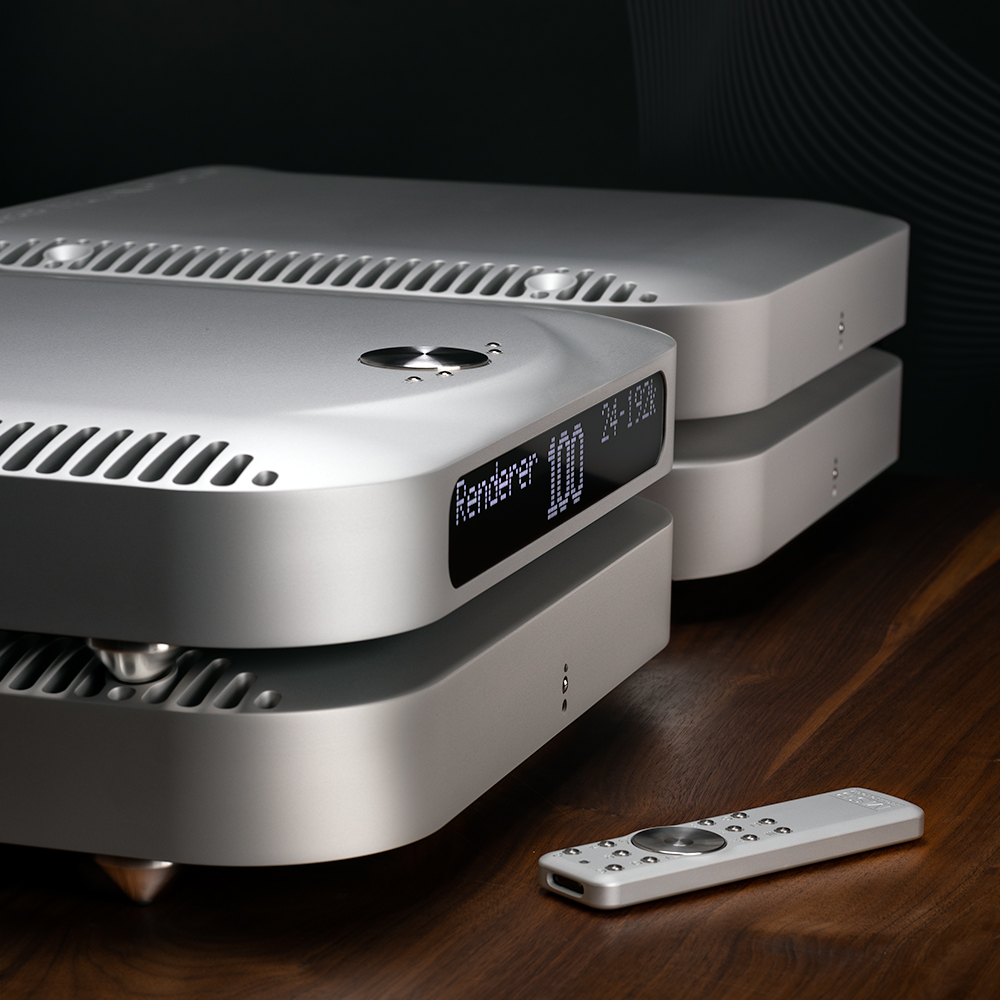
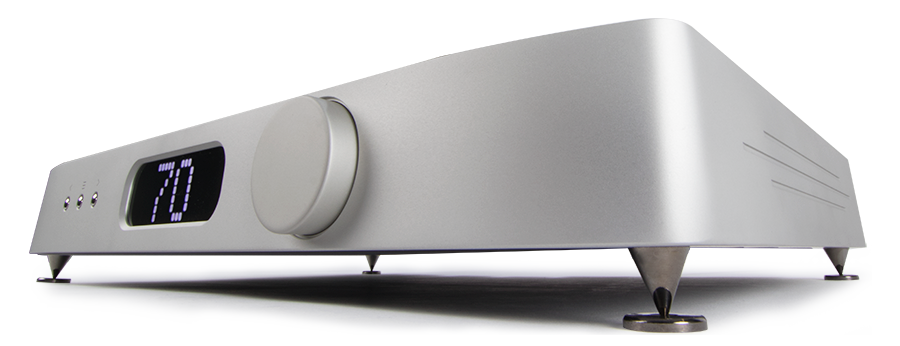
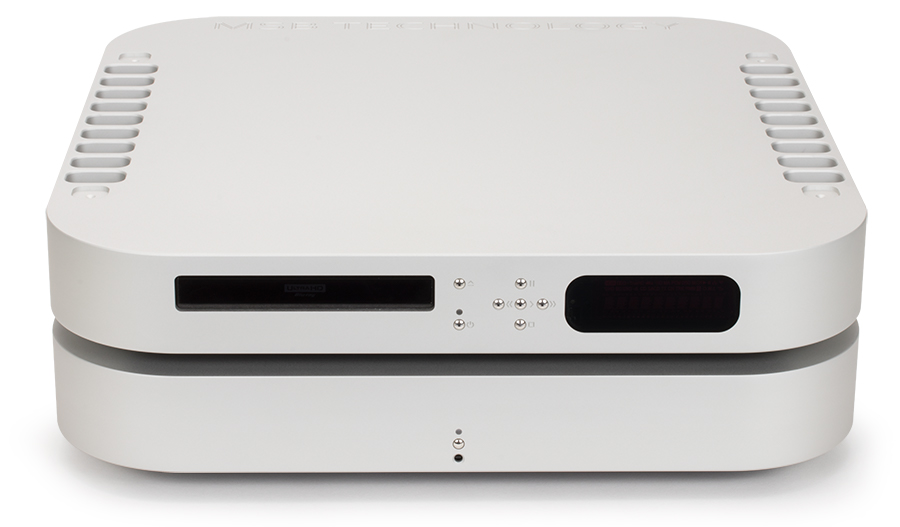
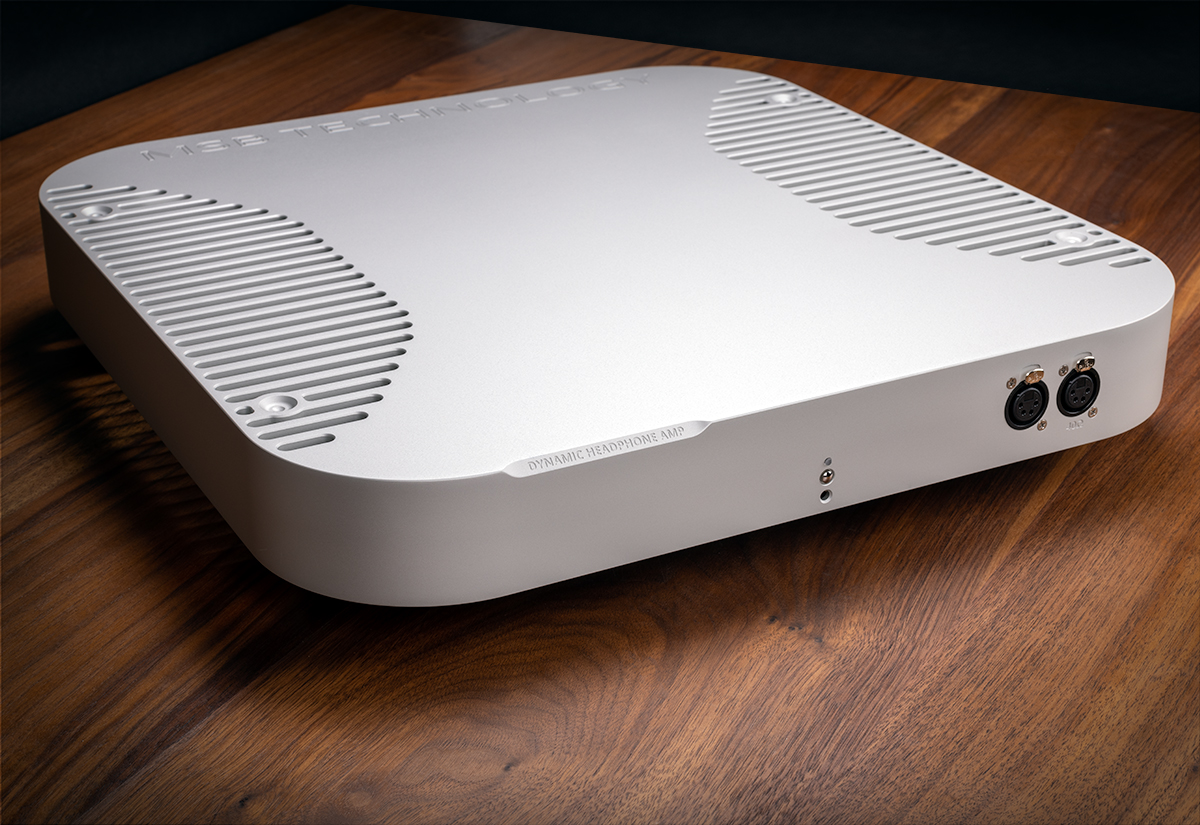
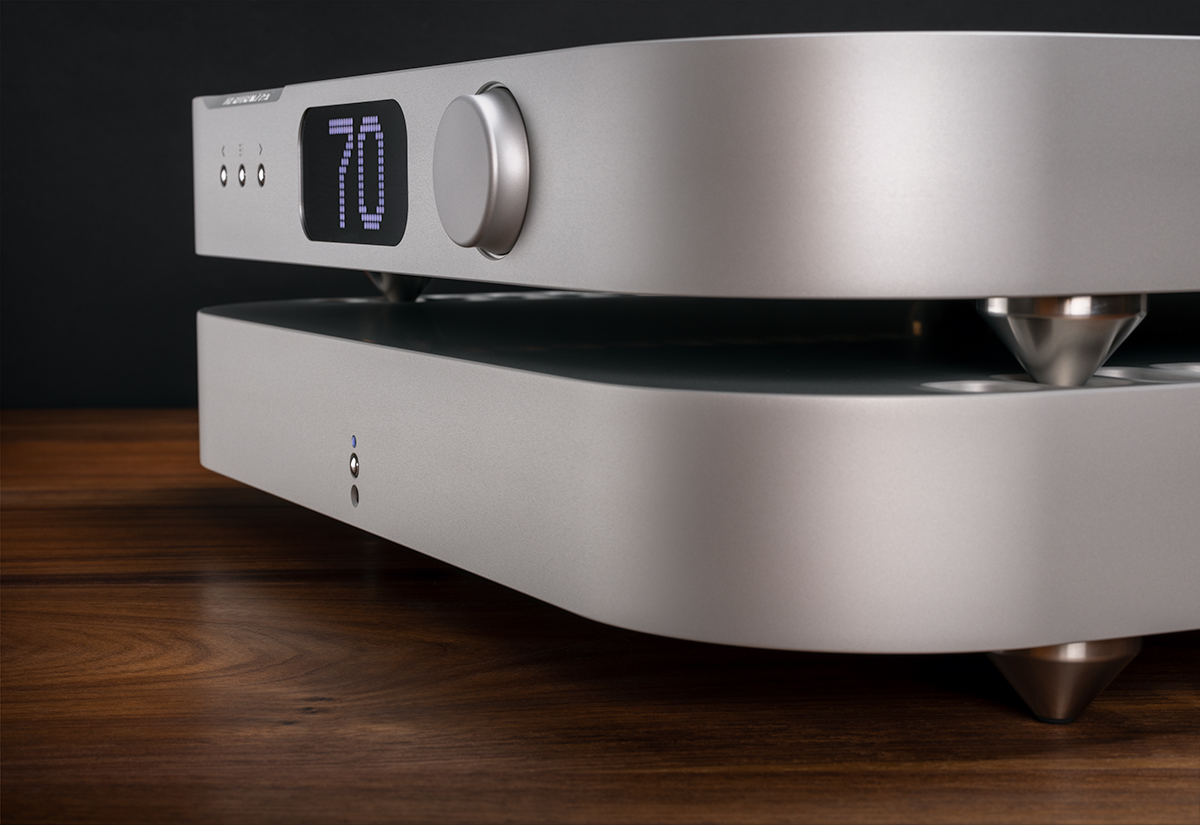
The Digtal Director PRO offers great flexibility in switching multiple digital audio sources. Three modes are now supported, three more are planned. MODE 1 - LOCK This mode selects the highest priority input that has any kind of SP/DIF stream present. It does not check to see if the stream is valid or not. It does not care if the stream is Dolby Digital or DTS. It also does not care if there is actually data present. Many sources output an empty stream when turned on. In this mode the input is selected if anything is present. It is very useful in systems that mix audio and surround data streams in which sources are turned on and off to control selection. MODE 2 - VALIDITY SCAN This mode selects the highest priority input that has a valid stream present. The source sets a validity flag in the data stream and this flag is read by the Digital Director PRO and used to determine which input is active. Unfortunately not all sources pay attention to this bit and use it properly. For the most part, CD players will provide a valid bit when the CD is playing and invalid when the CD is paused. DVD player also act this way for the most part when they are playing a CD. When playing a DVD, they for the most part leave the bit valid all the time, even if the output has stopped or is surround data. Hint: Place DVD players at the lowest priority and this problem will be eliminated. This is the default mode when the unit is powered up. This mode is similar to the original Digital Director with the SCAN upgrade with one improvement. The old SCAN upgrade did not make a priority selection, just selected the first active input. This mode selects the active input with the highest priority. This is particularly useful when a DVD player is involved which never releases the line. MODE 3 - MANUAL This mode allow direct selection of the input using the up-down buttons. This mode is also selected by pressing the up or down button. The manual mode provides a connection for inputs that may not be standard SP/DIF such as some multichannel studio formats. |
[Home] [Products] [Dealers] [Contact] [Register] [History] [Support] [Reviews] [OEM]