Products Dealers Contact Video History Support Reviews OEM


MSB Support


International Dealer Support Site (password required)

US Dealer Support Site (password required)

For technical support with your MSB Product please contact:

White Papers

Special Manuals


How DACs Work! A simple but accurate explanation.


What about all these 32-bit DACs?


How Preamp Clipping can be avoided with your MSB DAC.


Jitter Measurement White Paper, 2008

Downloadable Users Manuals and Instructions:
Current product manuals can be found on the individual product pages. Older manuals and special instructions are below.
Most are in .pdf format

DAC III Manual

CD III Manual

Signature DAC Module Setup Instructions

 Platinum DAC, Platinum Plus DAC, and Platinum Reference CD Player

 Platinum DAC II Preamp

 Platinum Reference CD Station II

 Platinum 16x Digital Filter Upgrade Installation Instructions

Marketing Material

Techical Support

Downloadable Marketing Materials
in high resolution


33 x 80 Poster - High Res PDF 36 MB


Universal Media Transport Data sheet 117 Mb


FemtoSecond Galaxy Clock Data Sheet 18 Mb

FemtoSecond Galaxy Clock Poster 21 x 31, 30 Mb


Data CD IV Front View jpeg 4 Mb


Data CD IV Back View jpeg 4 Mb


Data CD IV Open Top View jpeg 4 Mb

2012 Product Pricelist - pdf


S200 Data Sheet 2.4 MB


Signature Data CD Datasheet 2.6 MB


33 x 80 Poster - High Res Zip 530 MB


Summer 2011 Retail Literature - Ready to Email

Summer 2011 Retail Literature - Press Quality Ready to Print PDF (12 MB)

M202 Pictures, Zip 19 Mb


DAC IV Front View Black jpeg 4 Mb


DAC IV Front View White jpeg 4 Mb


DAC IV Back View jpeg 1 Mb


UMT Image .jpg 3.5 MB


Diamond Power Base Open Top jpeg 4 Mb


Diamond Power Base Open Top jpeg 4 Mb


2009 TAS Add - Photoshop PDF editable 322 Mb

2009 TAS Add - jpg 644 kb


Improving your Multi-media Installation


Technical Support Documents
Out of Production Products Only
Technical Professionals Only

MotherBoard Upgrade for Platinum 16x Digital Filter Upgrade to older Platinum DACs

Volume attenuation upgrade for Platinum CD players and DACs

Converting 2nd Generation DAC modules to work in DAC III and CD III products or DAC II or older Platinum Products

Power supply trouble shooting for DAC III and CD III products

Power supply trouble shooting for Platinum, Platinum Plus, DAC II and CD II products

PLATINUM DAC MODULE configuration Chart

Export Support Documents
Importers Only

CE Declaration of Conformity


Large MSB Logo - transparent background


B and W MSB Logo - .eps

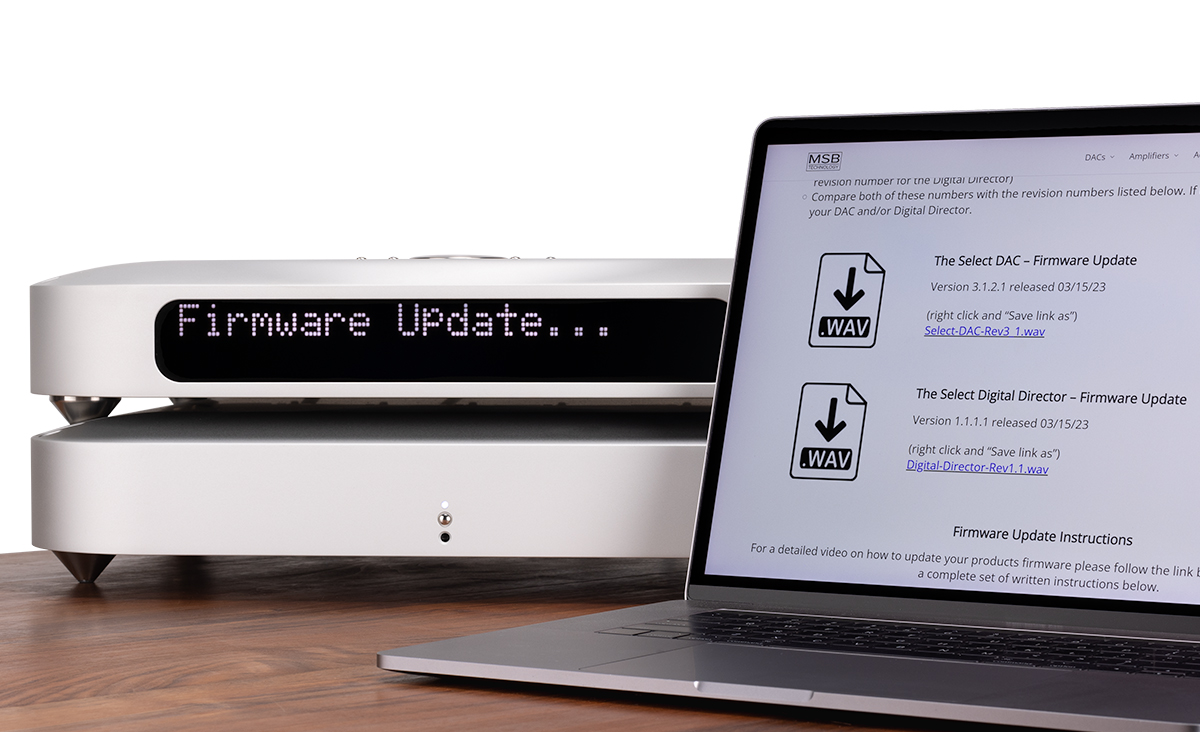
DAC IV Firmware Upgrades


UMT Firmware Upgrades


Data CD IV Firmware Upgrades


USB2 Firmware Upgrades


The Bit-Perfect Test

Perhaps one of the most useful features of the DAC IV is the bit-perfect test. A series of files can be downloaded here. Warning! These files contain 0 db content. Turn your volume down before playing. They are .wav test files that when played, will be identified by the DAC IV and checked, and will be reported on the display if they are bit perfect. The message will stay on for about 6 seconds. If there is a problem with the test, the file will play and a loud burst of static like sound will be heard but the display will not indicate any change.

Bit Perfect Standard File Downloads

Special File Downloads


DAC Filter Downloads

DAC Filter Downloads - These downloads temporarily install a different filter into any Platinum DAC with the MSB digital filter or the Power DAC product. You cannot hurt your product as a power on/off resets to the original filter.

Alternate but similar to the standard filter
Xtra Filter Graph

Allows the maximum High frequency resolution in the pass band
Temporal Filter Graph

Filter designed with the lancos3 mathematical function, very high spectral leakage, very low temporal leakage
Lanczos Filter Graph

Filter designed with high frequency image leakage
HF Dither Filter Graph

Extended Frequency Filter - Digital Harshness reduced.

Playing this track cancels previous filter - back to default

Loading Filters - Right click the music file and save on your computer. Add to your iTunes Library. Make a playlist with the filters or firmware you are interested in. Put a music track between each filter as they are short. Burn the CD with iTunes. Every other burning program we have tested actually modifies the audio doing things like equalization.


For support with older or LINK type products please check with Sound4Sale.com


[Home] [Products] [Dealers] [Contact] [Videos] [History] [Support] [Reviews] [OEM]